Features

macXterm: The Ultimate macOS Terminal for Professionals

A native terminal experience designed for speed, security, and high-density workflows — from single servers to production fleets.

Core Terminal Performance

A terminal engine built for real production shells

Native rendering with ANSI/VT100 behavior, long scrollback, and interactive app support.

Native ANSI/VT100 Emulator
A Swift-powered terminal engine designed for accurate output, fast updates, and stable long-running sessions.
Interactive TUI App Support
Run full-screen terminal tools like top, htop, vim, and nano without broken redraws or cursor drift.
Alternate Screen Buffer
Switch between command history and full-screen apps cleanly, without polluting normal scrollback.
50,000-Line Scrollback
Keep deep command history available per session for troubleshooting, audits, and replaying context.
Split and Grid Layouts
Use single, 2-column split, or 2x2 grid views to monitor multiple systems side by side.
Live Server Stats Footer
Track CPU load, memory, disk usage, and uptime in-session while you work.

Connections & Access

More than SSH in one workspace

Use multiple connection types without leaving the same tabbed workflow.

SSH and Local Shell Sessions
Run traditional SSH sessions and local shell tabs with the same keyboard-first workflow.
Telnet and VNC Connections (Pro)
Connect to legacy Telnet hosts and VNC screen-sharing targets from saved session profiles.
Embedded Web Connections (Pro)
Open web-based admin interfaces inside macXterm using a built-in browser view.
SSH Jump Host Support (Pro)
Route SSH through bastion hosts with native jump host configuration.
Quick Connect + Saved Profiles
Jump into hosts quickly or maintain reusable connection profiles for routine operations.

Organization & Operations

Manage large fleets without UI sprawl

Structure sessions the way your infrastructure is organized and automate recurring actions.

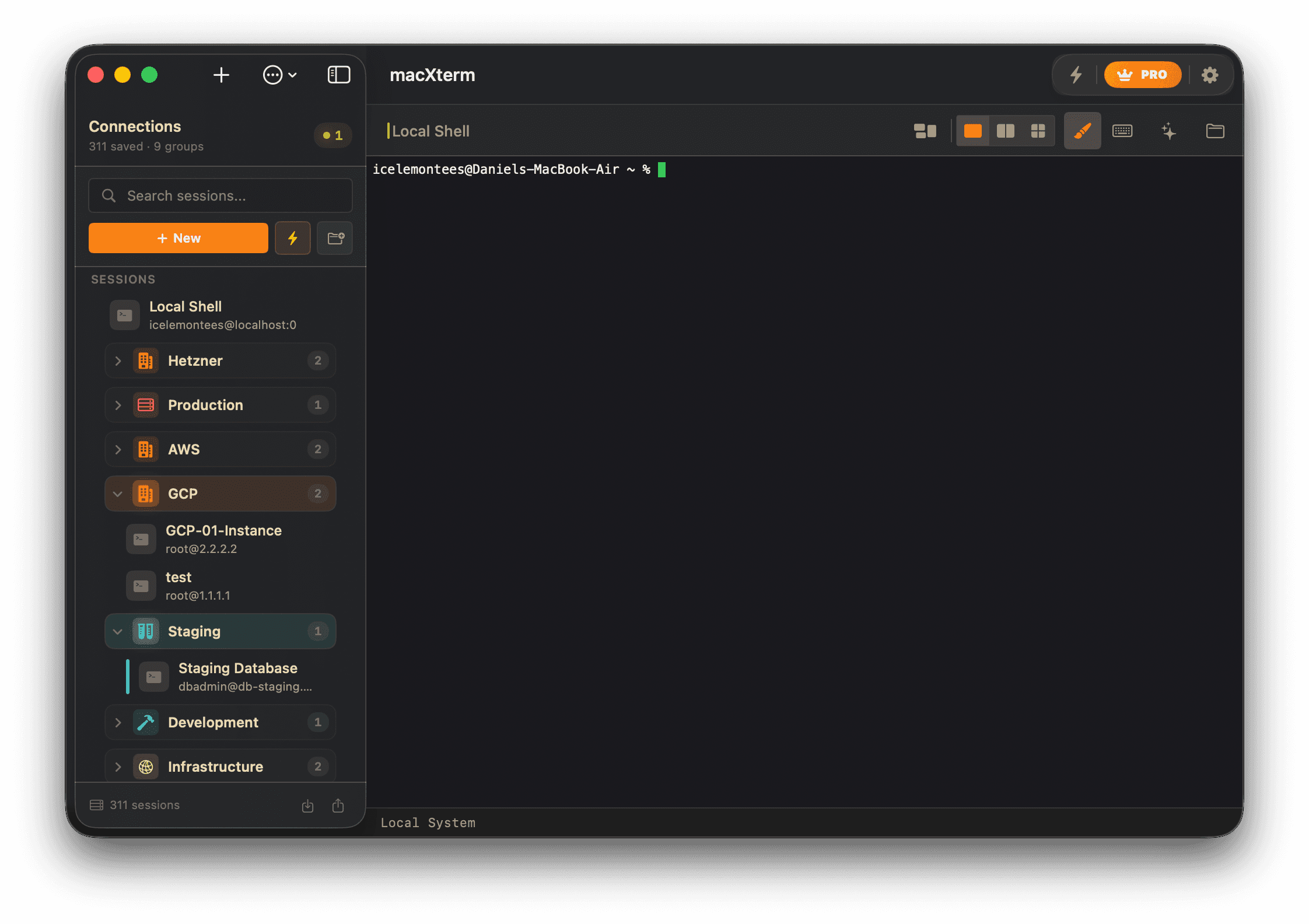
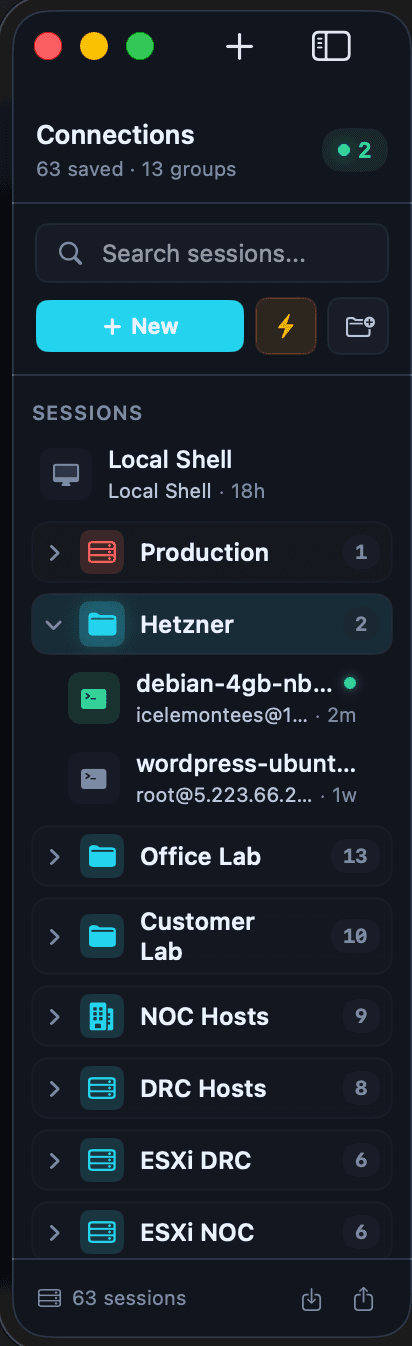
Session Groups and Folders
Organize hosts into groups with icon and color metadata for faster scanning.
Connection Templates (Pro)
Create reusable connection blueprints and spin up new sessions from templates in seconds.
Bulk Operations (Pro)
Apply group changes, tags, exports, or deletes across many saved sessions at once.
Command Tasks (Pro)
Define multi-step command sequences and run them across selected active connections.
Dynamic Folders (Pro)
Auto-populate session lists from JSON, CSV, or API sources.
Export / Import Sessions
Back up and migrate session + group configurations with JSON import/export.

Security & Credentials

Vault-backed secrets and safer auth handling

Store credentials securely while keeping one-time access paths available when needed.

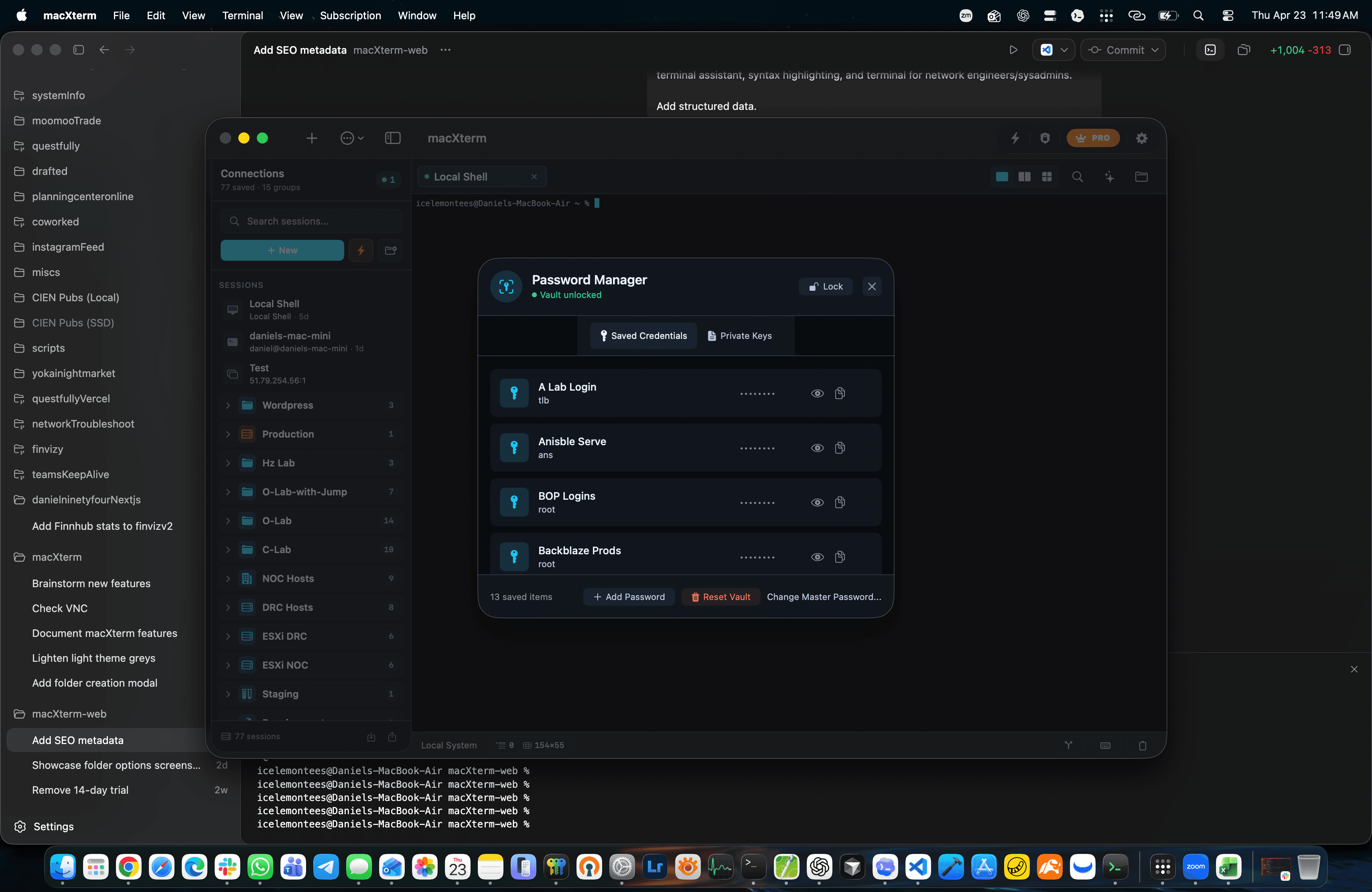
Master Password Vault
Unlock a protected credential vault to manage passwords and keys centrally.
Private Key Management
Import and manage SSH private keys without leaving sensitive material in plain files.
Standalone Credential Library
Store reusable host credentials separately from session definitions for safer reuse.
Session-Level Password Controls
Use session-scoped credentials and manual-entry flows when you do not want long-lived storage.
macOS-Native Secure Storage
Combine encrypted vault data with platform keychain capabilities for local secret handling.

AI-Powered Productivity

Generate, explain, and repair commands faster

Built-in AI helpers reduce command friction without forcing you out of terminal flow.

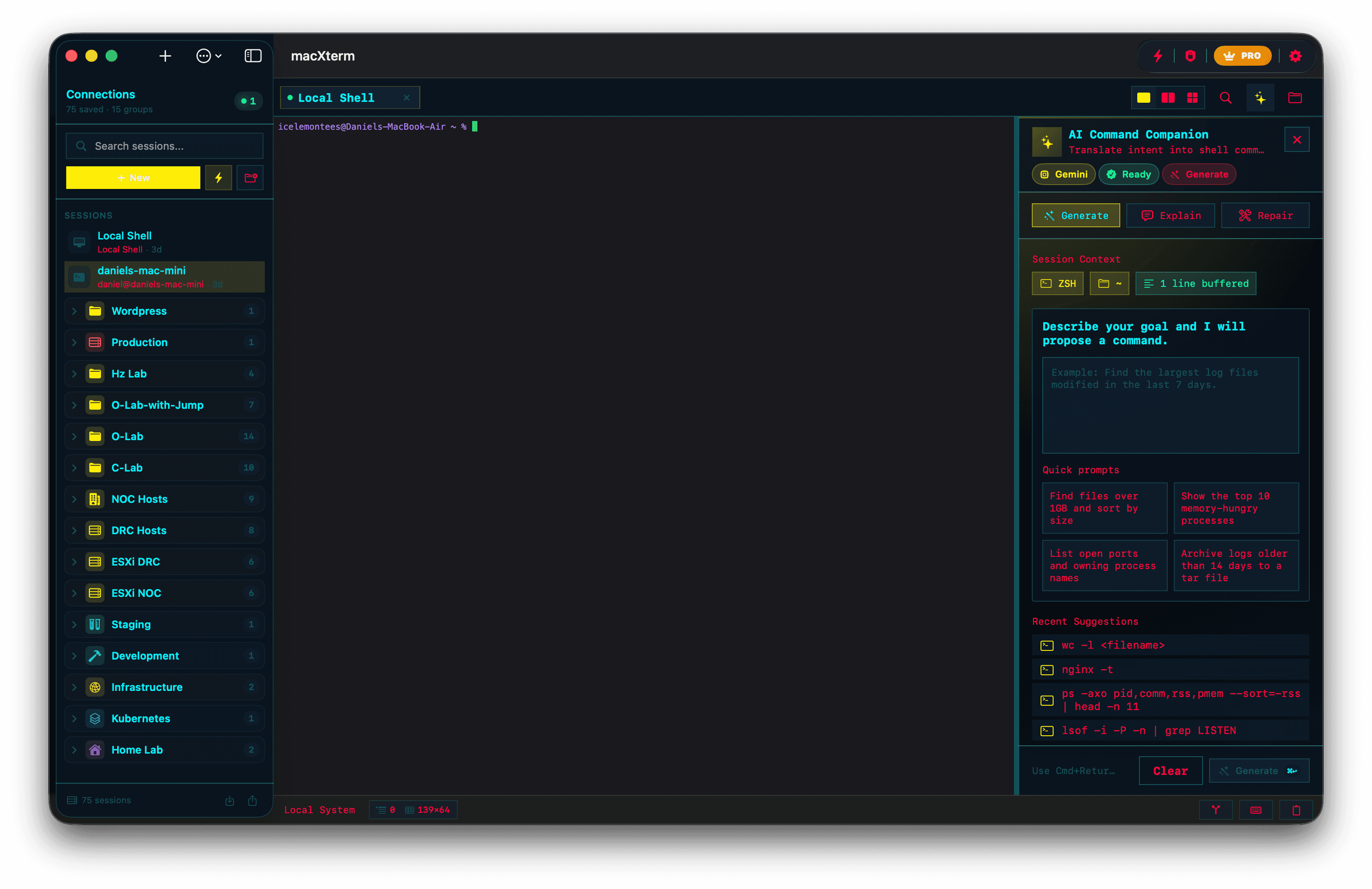
AI Command Generation
Describe intent in natural language and generate shell commands with context from your active terminal output.
Explain Terminal Output
Highlight confusing output and get a concise, plain-language explanation immediately.
Repair Failed Commands
Provide a failed command and error message to receive targeted fix suggestions.
Provider Choice
Select from OpenAI, Groq, or Gemini providers for AI command workflows.
Real-Time Syntax Highlighting
Colorize shell syntax and patterns in terminal output to catch mistakes earlier.

Pro Workflow Add-ons

Advanced tools for daily operations

Unlock operational tooling for high-volume, multi-host environments.

SFTP File Explorer (Pro)
Browse remote directories and upload/download files alongside terminal sessions.
Multi-Exec Commands (Pro)
Broadcast commands to all active tabs for synchronized cluster operations.
Cloud Sync (Pro)
Sync sessions, groups, and related data across devices via iCloud integration.
Session Recording (Pro)
Record and replay terminal sessions with export support for operational audits.
Custom Themes (Pro)
Adjust terminal color schemes and appearance settings for your team or personal setup.
Priority Support (Pro)
Get faster support response handling on Pro subscriptions.

Subscription Tiers

Free vs Pro

Start free, then unlock high-density workflows, automation, and sync when you’re ready.

View pricing
FeatureFree TierPro Tier
Unlimited Sessions
Up to 10UnlimitedPRO
Unlimited Tabs
Up to 5UnlimitedPRO
Session Groups
Up to 5UnlimitedPRO
Export/Import Sessions
✓ Included✓ IncludedPRO
Custom Themes
Modern onlyFull theme library
SFTP File Transfer
✓ IncludedPRO
Snippet Manager
✓ IncludedPRO
Multi-Exec Commands
✓ IncludedPRO
Cloud Sync
✓ IncludedPRO
Priority Support
✓ IncludedPRO
Unlimited Sessions
Free
Up to 10
Pro
Unlimited
Unlimited Tabs
Free
Up to 5
Pro
Unlimited
Session Groups
Free
Up to 5
Pro
Unlimited
Export/Import Sessions
Free
✓ Included
Pro
✓ Included
Custom Themes
Free
Modern only
Pro
Full theme library
SFTP File Transfer
Free
Pro
✓ Included
Snippet Manager
Free
Pro
✓ Included
Multi-Exec Commands
Free
Pro
✓ Included
Cloud Sync
Free
Pro
✓ Included
Priority Support
Free
Pro
✓ Included